3D CAD and digital twins
Rotate, select, and review spatial models directly at the display.
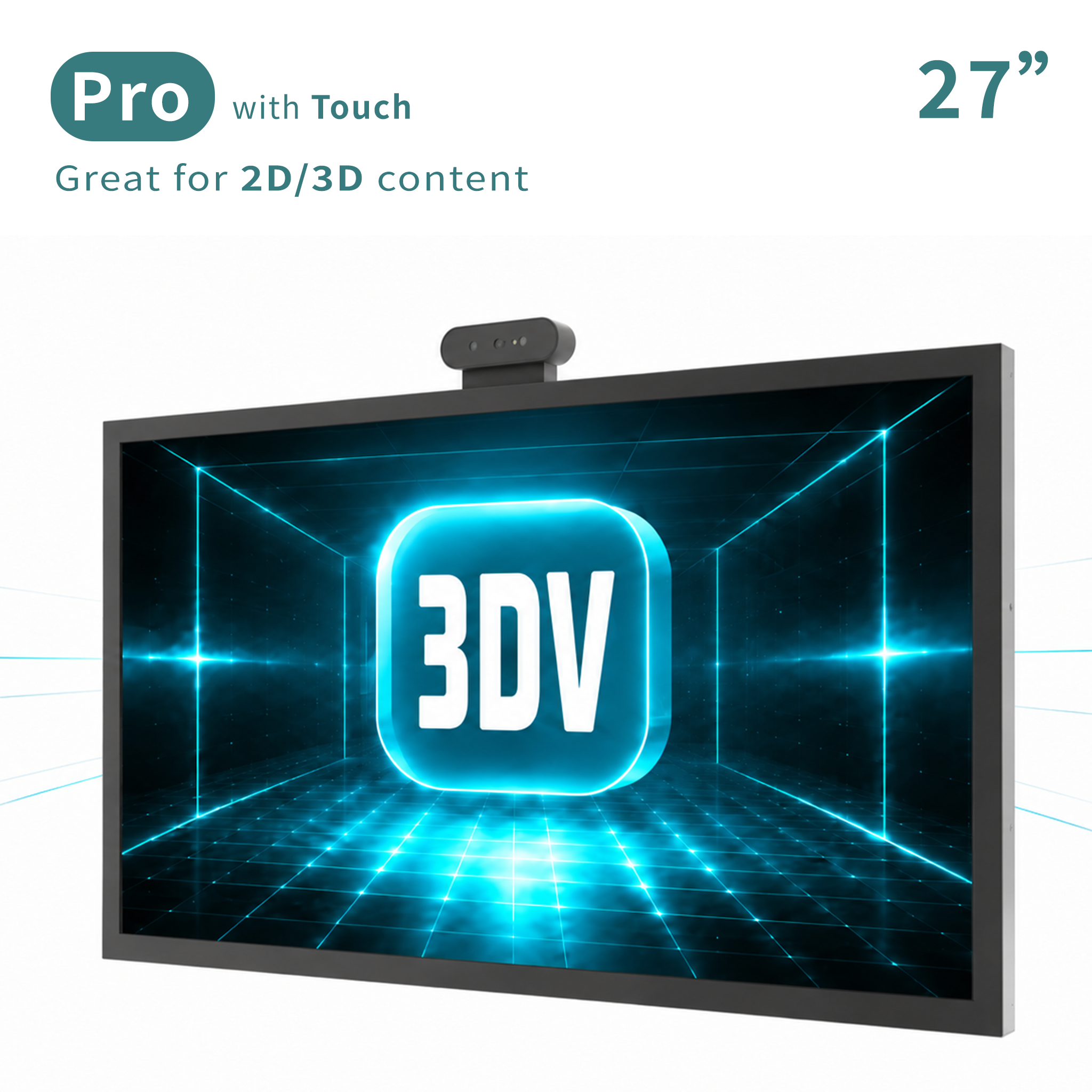
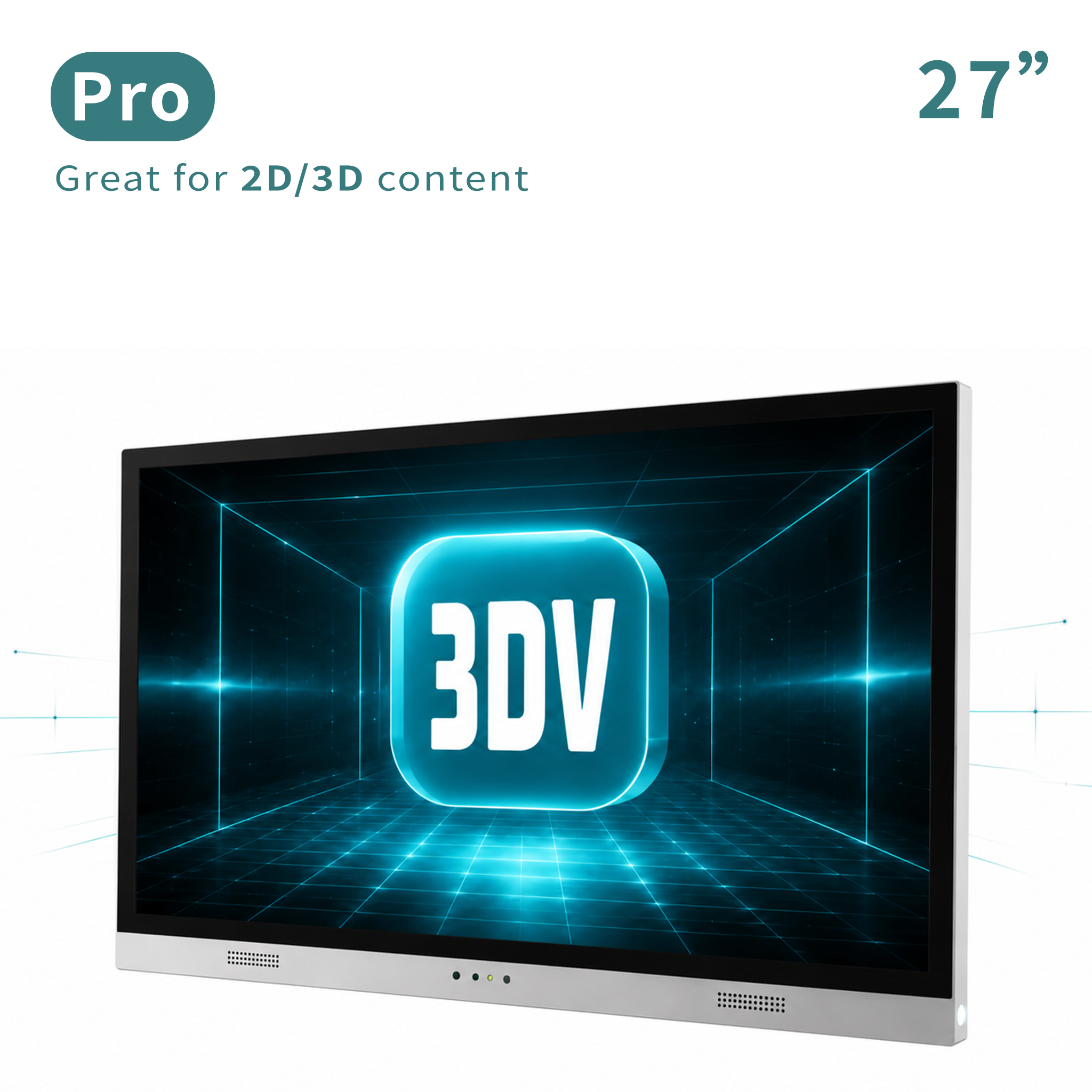
27 Inch Touch-Enabled Glasses-Free 3D Display
The 27 inch 3DV Pro Display with Touch combines a 4K touch display, switchable LCD lenticular optics, structured-light eye tracking, and FPGA real-time 3D rendering. It is designed for interactive 3D CAD review, training, digital twins, inspection, and professional visualization at a desktop workstation.
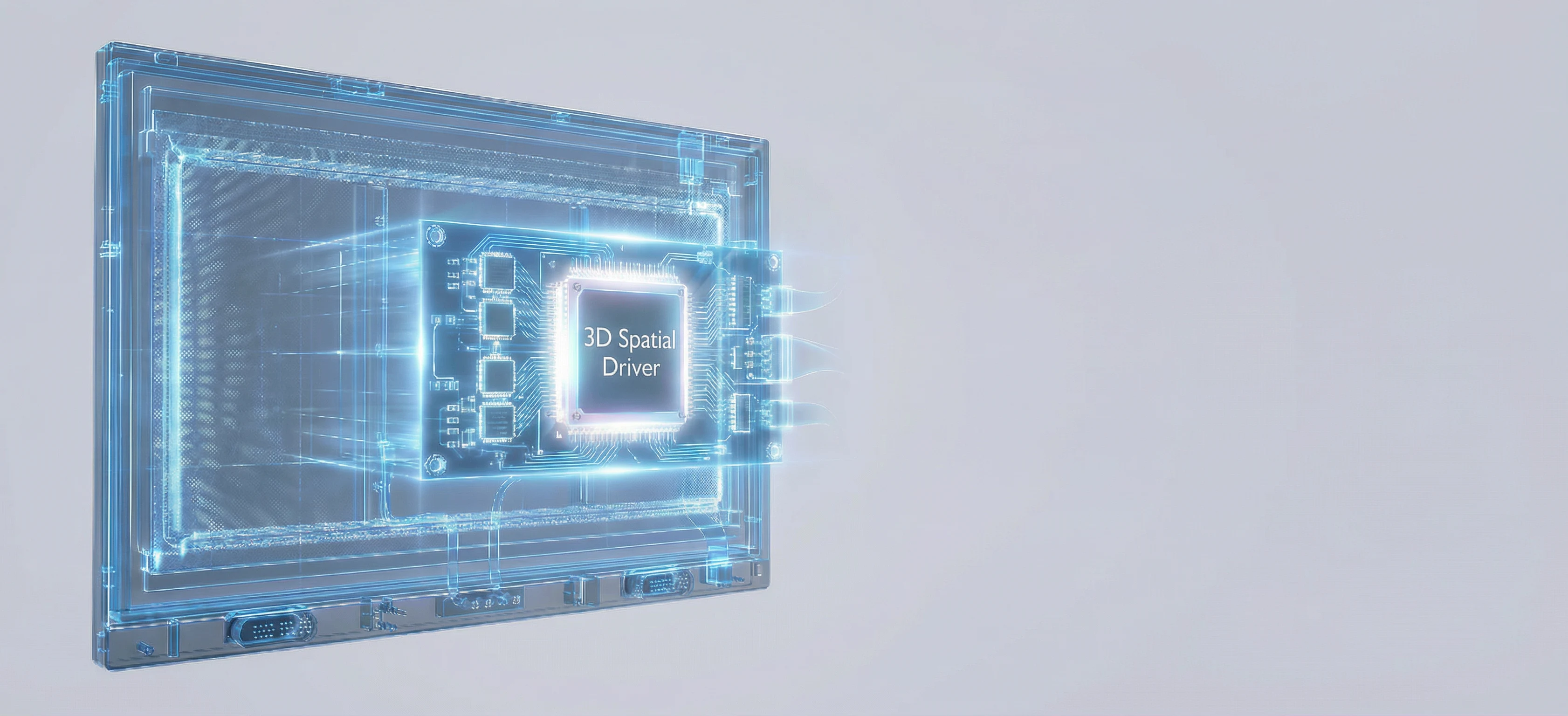
FPGA Powered Engine
The hardware pipeline keeps 3D rendering timing stable while the touch interface remains available to the connected application.
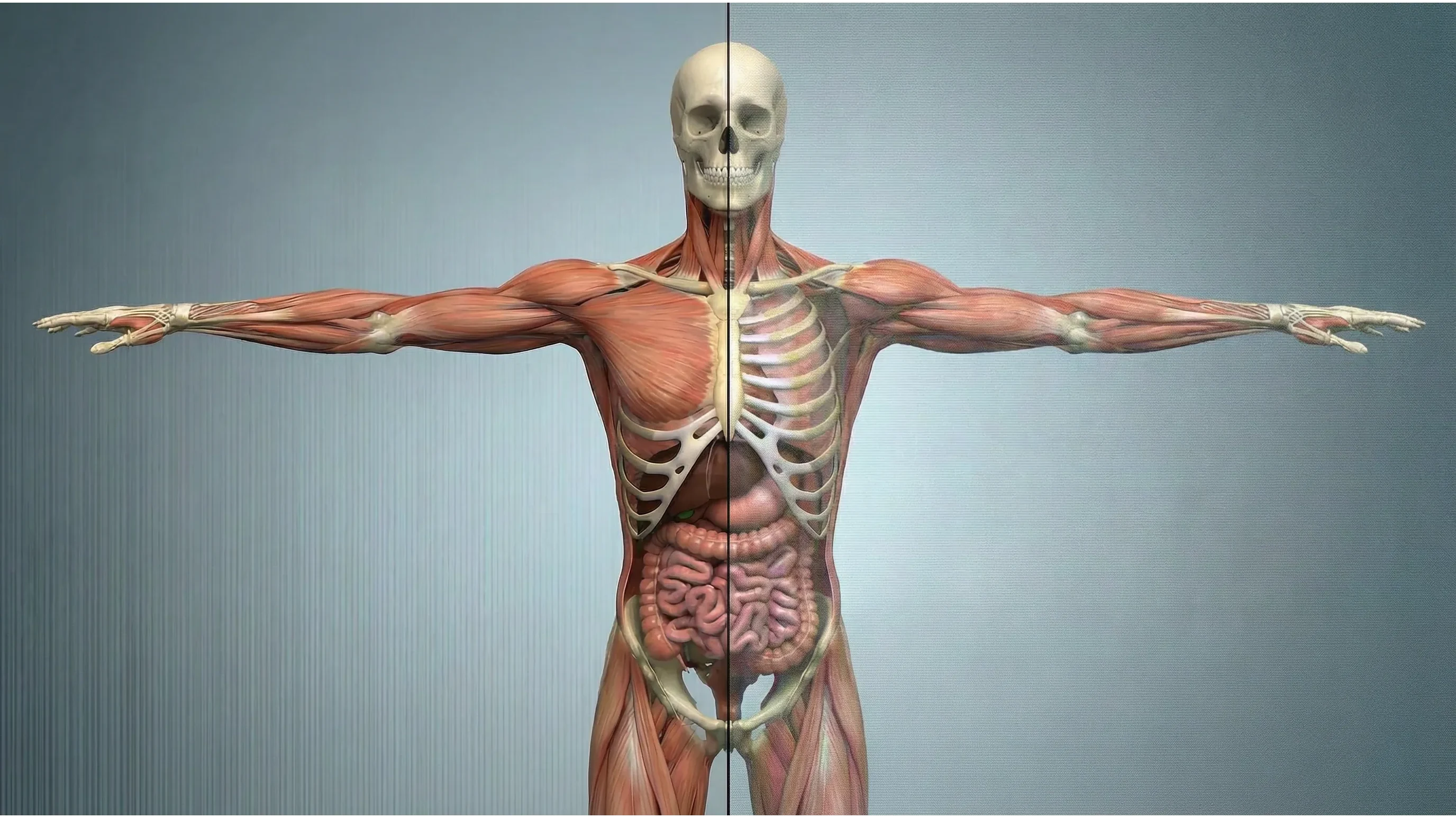
4K Clarity
The switchable LCD lenticular lens keeps the panel available for full-resolution 4K 2D work, then enables glasses-free spatial viewing when depth is needed.

Viewing Comfort
A 500 - 1000 mm viewing range and 700 - 800 mm optimal position suit desktop interaction and focused review.
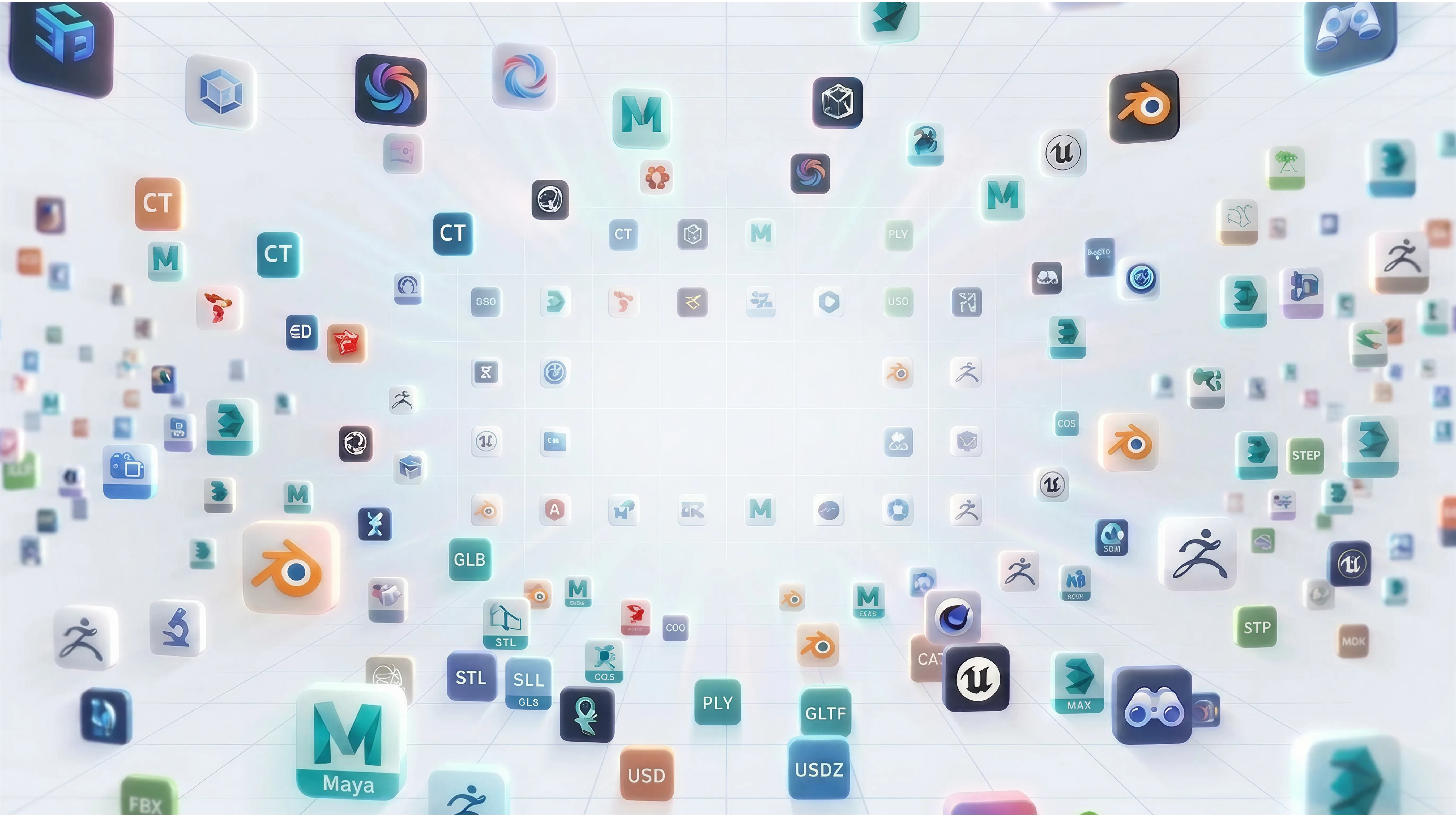
3D Content Support
The display accepts common Side-by-Side stereoscopic input while touch events are delivered to the connected application through a dedicated USB interface.
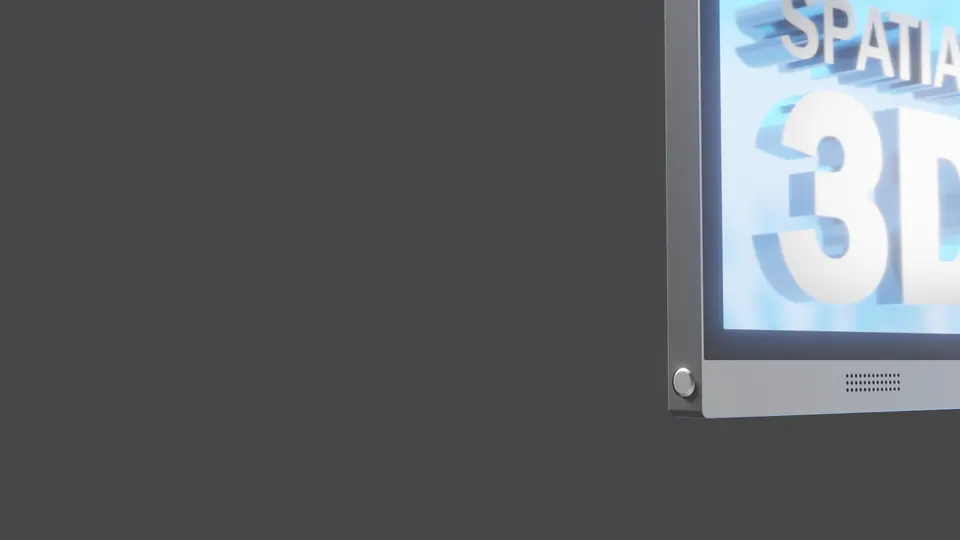
Switchable Optics
A physical switch controls the LCD lenticular lens, allowing the same workstation display to support ordinary 2D tasks and spatial 3D review.
Interactive Pro Workstation
Use touch input for navigation, selection, annotation, training, presentation control, and other application-defined interactions while the display handles glasses-free 3D presentation.
Rotate, select, and review spatial models directly at the display.
Combine depth-readable visualization with a direct interactive control surface.
Give presenters and users a more immediate way to explore 3D content without glasses.
Model Highlights
Pro vs Essential
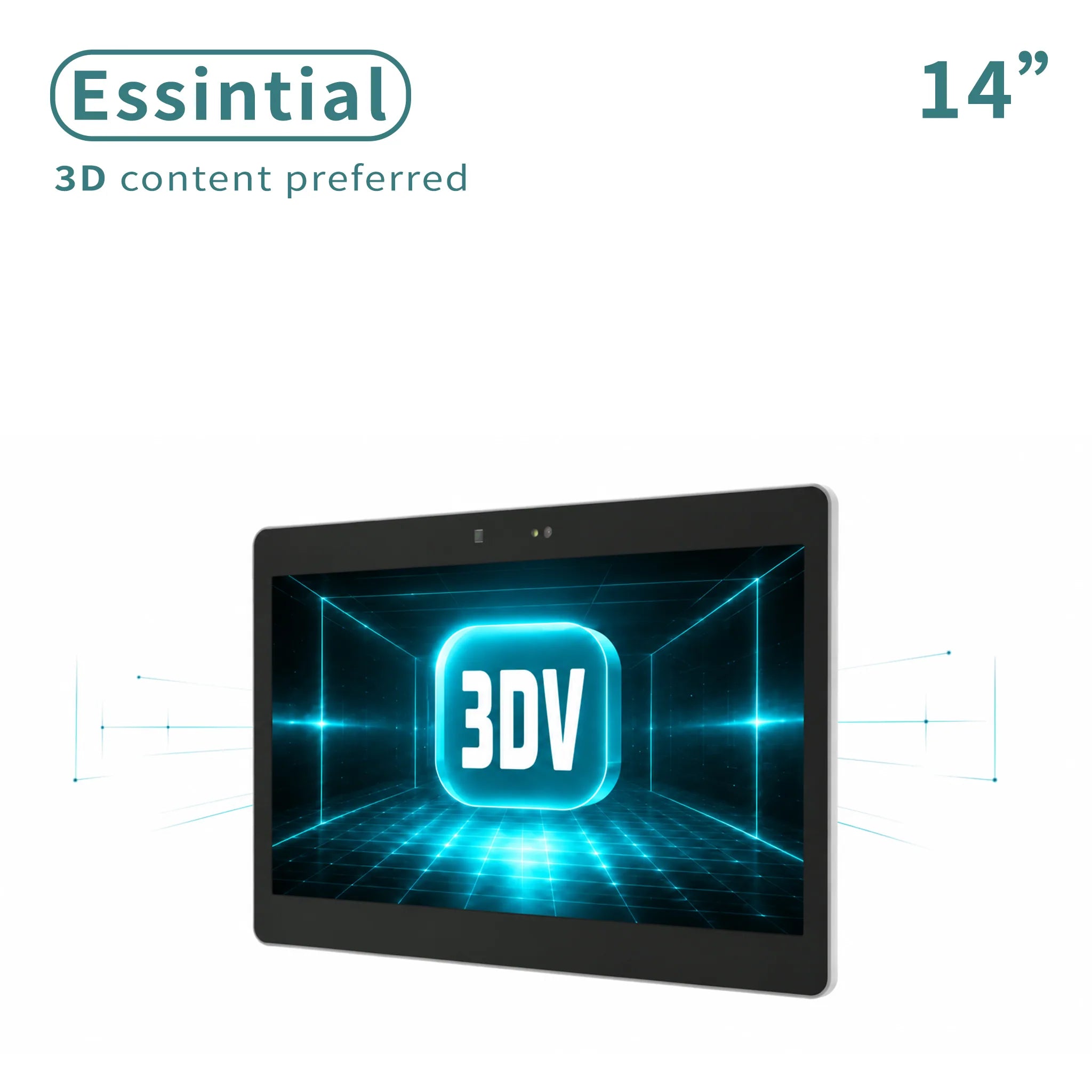
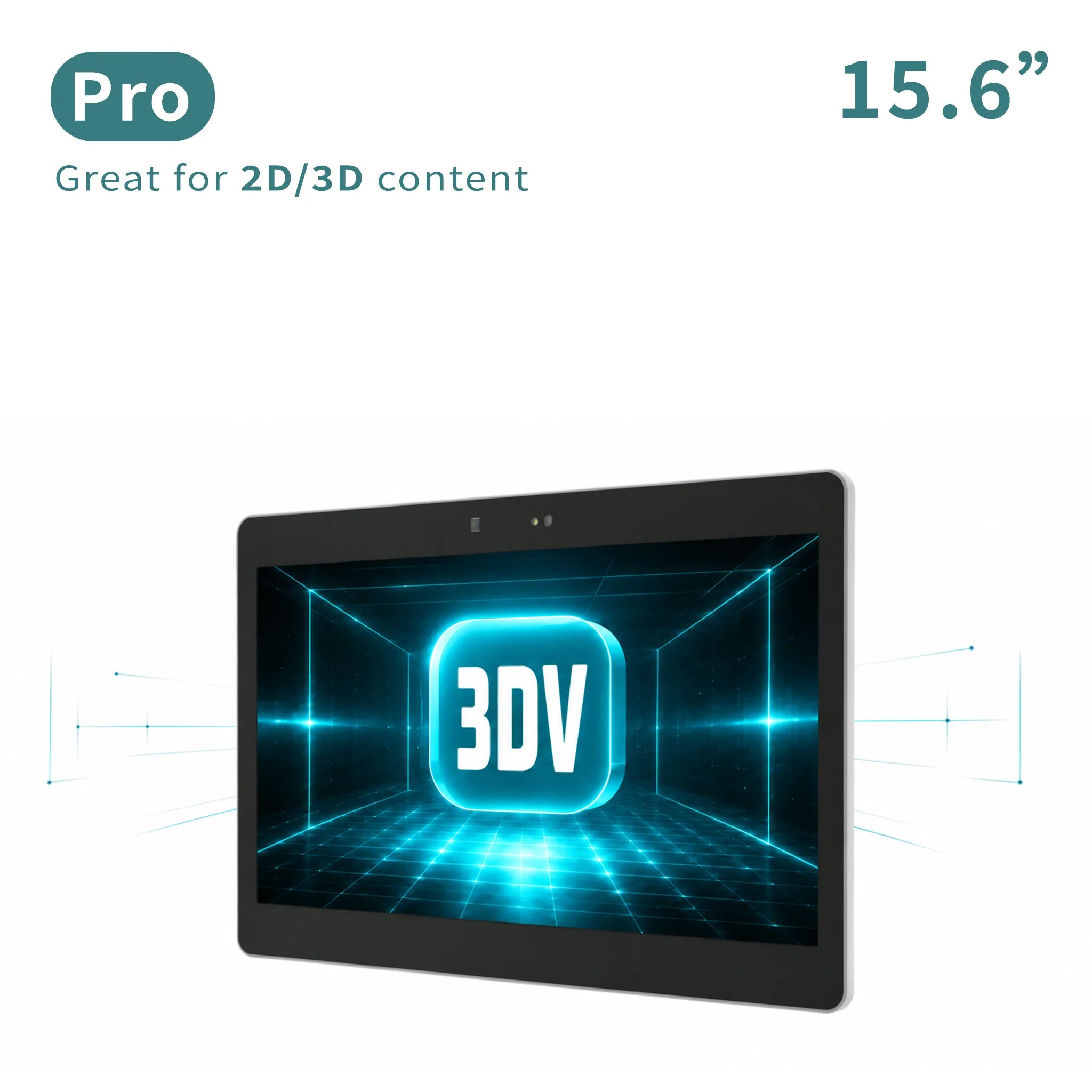
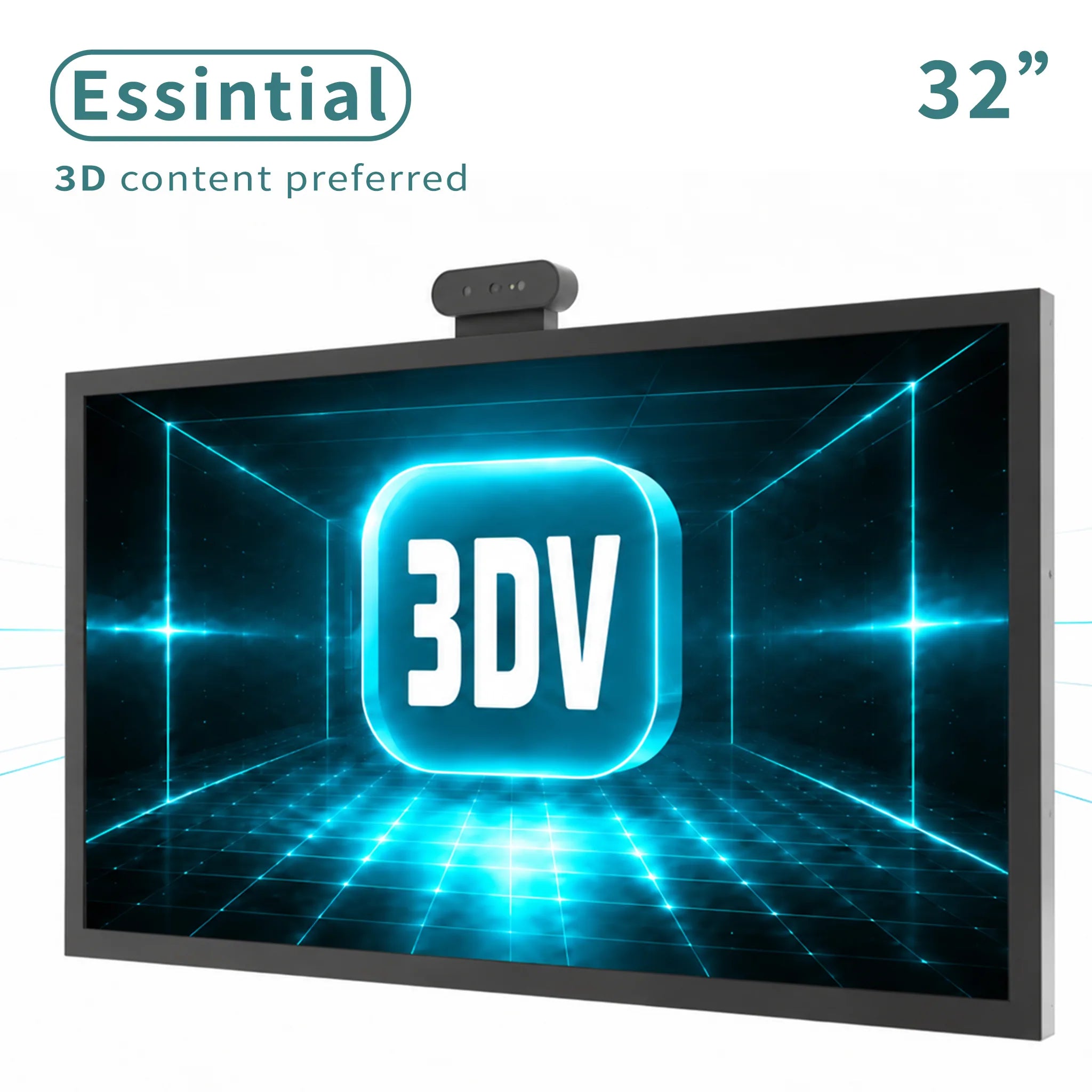
Pro uses switchable optics for frequent 2D / 3D work. Pro with Touch adds direct application interaction. Essential is tuned for dedicated 3D review and value-focused deployments.
FAQ
The dedicated USB touch interface sends input to the connected application. Available gestures and actions depend on that application.
Yes. The switchable LCD lenticular lens supports full-resolution 4K presentation in 2D mode.
The published configuration supports Side-by-Side stereoscopic input at 30Hz or 60Hz.
Next Step
Send your content format, software environment, interaction requirements, quantity, and destination region so the 3DV team can confirm fit and configuration.
More models
Cookie Consent
You can update consent any time. Details live in our Privacy Policy and Cookie Policy.
Cookie Preferences
Essential cookies are always active. More detail is available in the policy pages.
Required for site function, consent storage, and security.